



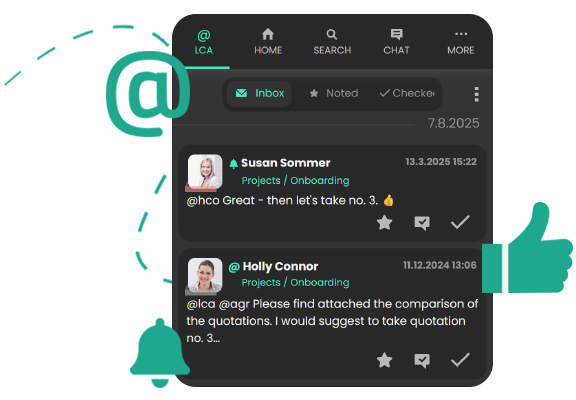
Receive all posts in your personal feed which are relevant to you:
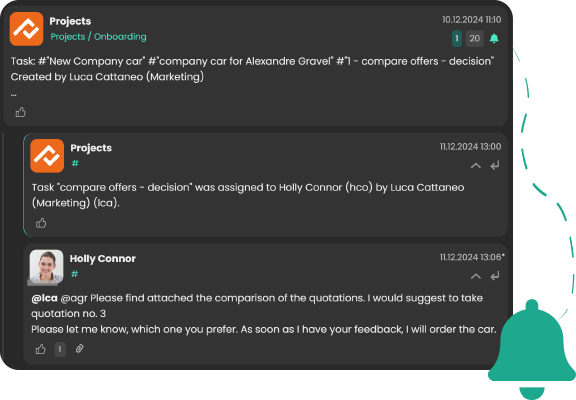
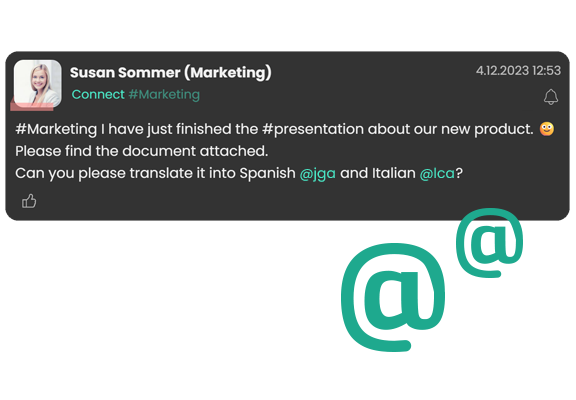
- you are directly mentioned in a post
- someone comments or likes a post that you have created
- there are news in a channel or tag that you follow
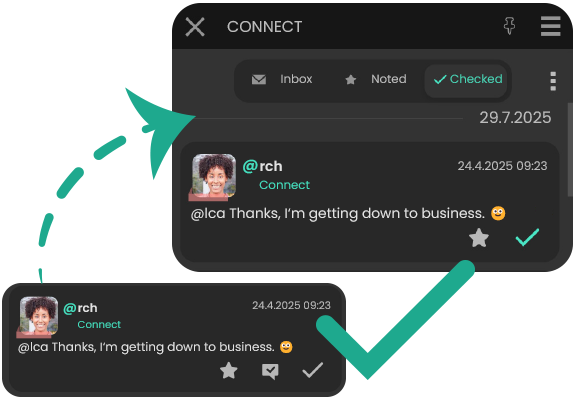
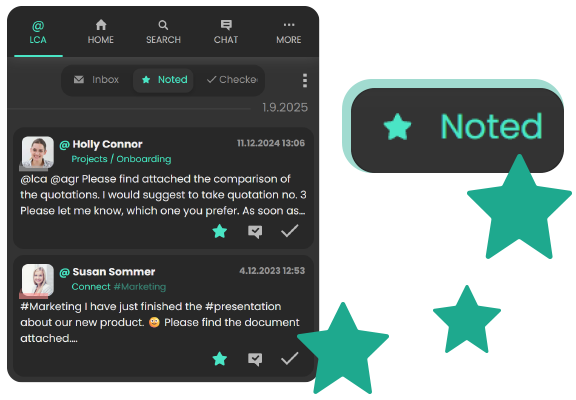
You can mark these posts as "noted" (indicated with the star symbol) or as "checked". This allows you to focus on important messages.
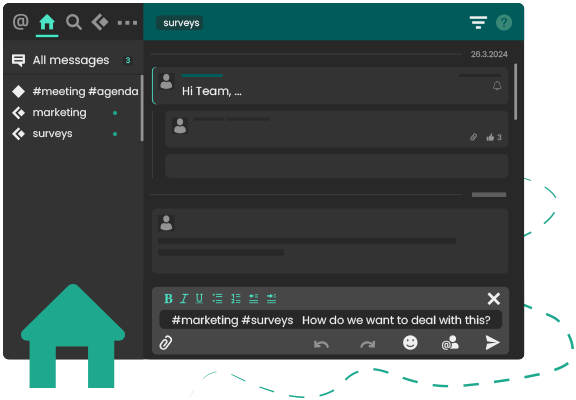
Systematically check your posts and notifications: The number at the icon of the Connect App indicates your badge count of unread posts waiting for you in your personal feed.
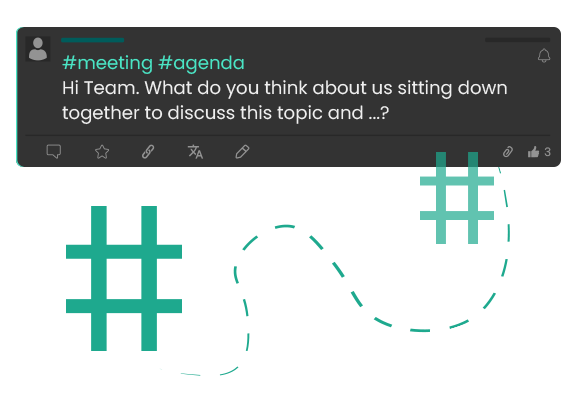
Keep an eye on important topics: Use Tags when writing a post to indicate suitable and relevant topics. Tags function as a filter and orientation, especially with recurring topics. Follow a tag to automatically receive relevant posts in your personal feed.
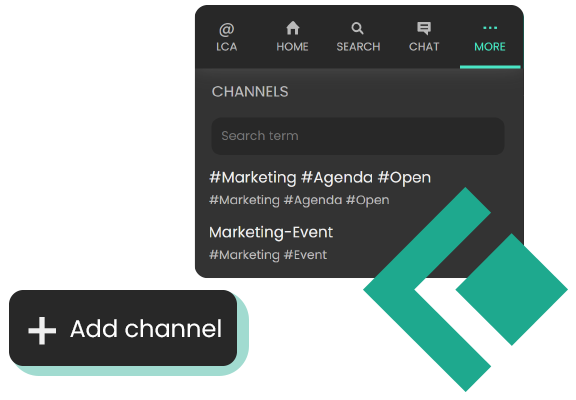
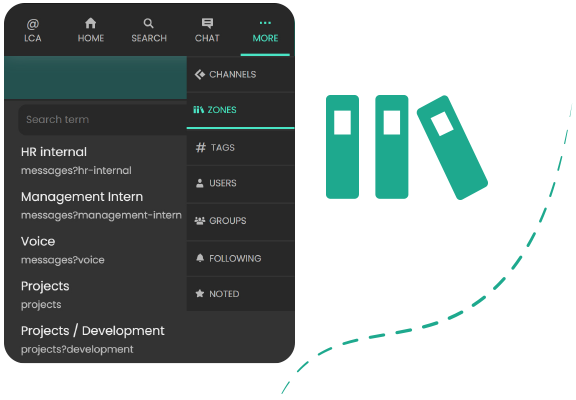
Structure your communication with Channels - the virtual rooms for departments, projects or topics. You can create new channels by combining suitable tags with each other. Follow a channel, or pin it to your home area to always receive information on topics of interest.
Edit your Home area with your personal list of channels and tags to stay updated. The dot next to the pinned channel or tag indicates if there are news. By clicking on the pinned tag / channel, you will be able to check all posts and discussions. Create your central workspace that perfectly suits your everyday work needs.
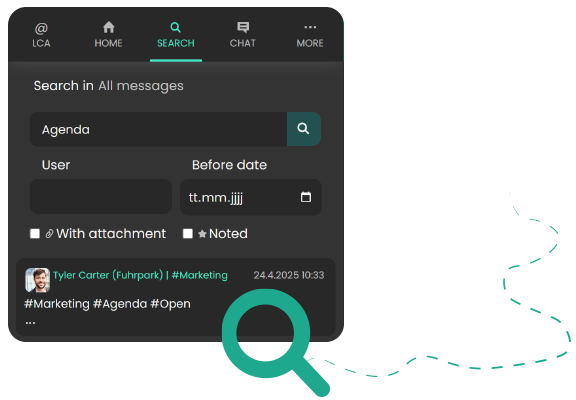
Find exactly what you are looking for. You can either enter single words or entire sentences when searching for content. You can narrow down the results by looking for posts from a specific user, or by posts before a specific date. You can also specifically search for posts with attachments, or messages you had previously saved.
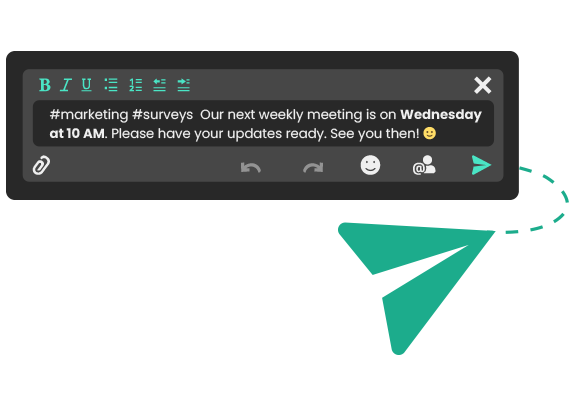
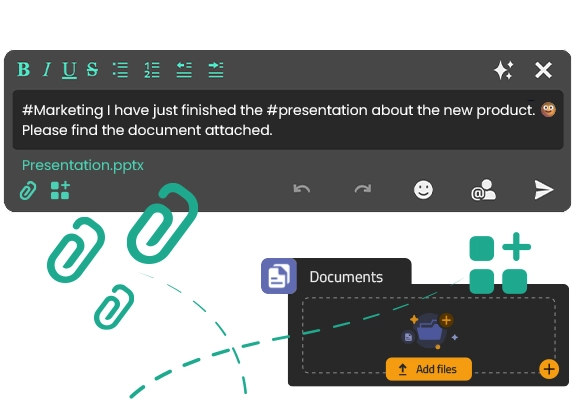
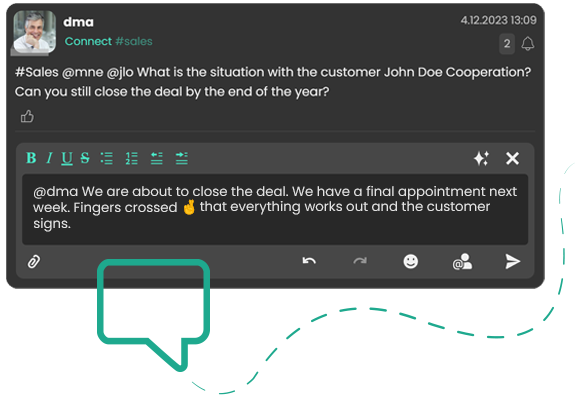
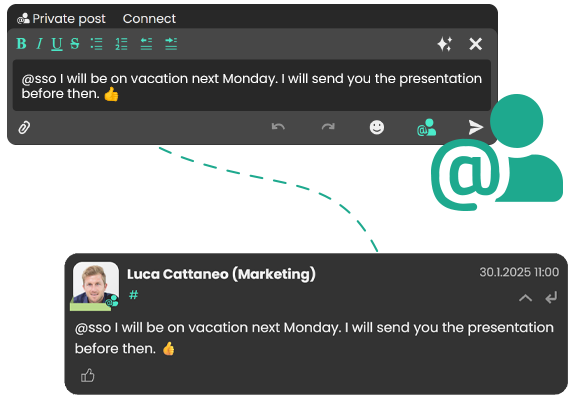
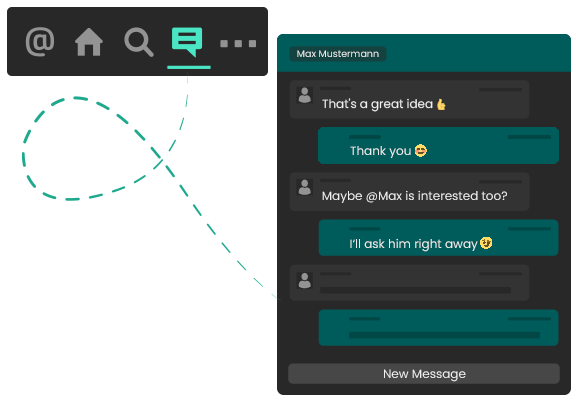
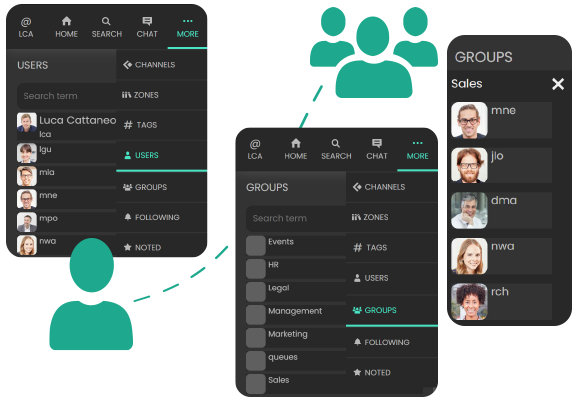
 . Your comment is now directed only at the person or people you previously tagged.